See and wire the whole course
Every course starts on the course map. Build a branching choice from one form, drag a slide's dot to connect it, then let Check flow find unreachable slides, dead ends and broken jumps, and Trace a path walk it as a learner would.
Change it once, everywhere
Fix one slide, then Repeat on other slides applies the same change across the course in one step, and one Undo reverses it. Save it as an action and run it on any course you build.
AI that builds in your course
Ask for whole slides, interactions, rules or timeline changes and TABLYR builds them for you, ready to edit. Or connect Claude Desktop or Gemini CLI and let them work directly in the course you have open.
Narration, timed for you
Turn your script into AI voice narration, edit it in the built-in audio editor and split a text box so each line appears as it is spoken. Captions and transcripts come with it.
Animate on a real timeline
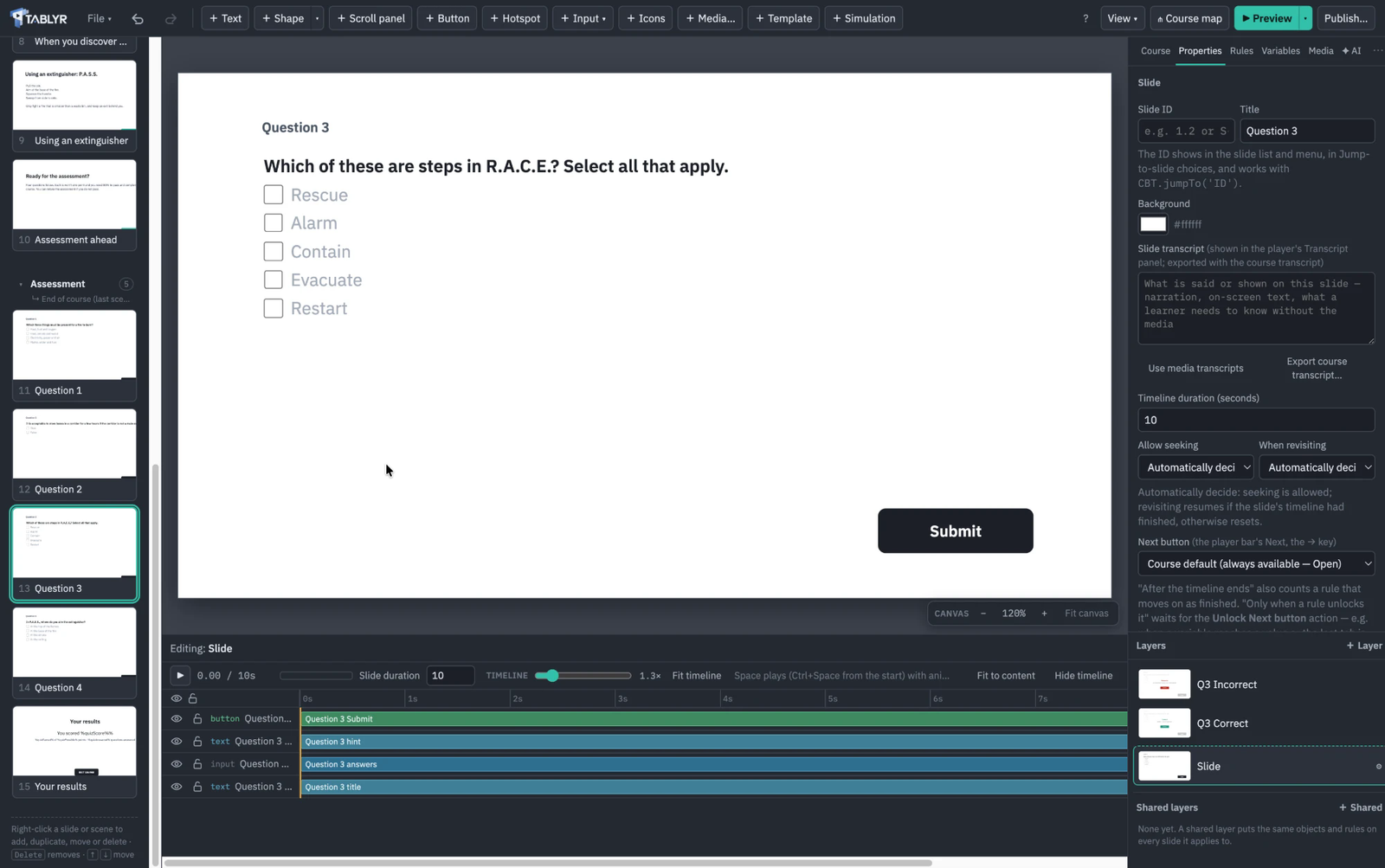
Keyframe position, scale, rotation and opacity on any object, with easing, alongside entrances, exits and state transitions. No workarounds.
Debug a published course
Record your own secret shortcut. Press it in any published course, even the live copy in your LMS, to jump to any slide and watch a live console show every variable change and the rule that caused it.
Shared layers, built in place
Design navigation bars, logos and menus on top of a real slide instead of a blank master, and choose exactly which scenes or slides they appear on.
Projects you can open and read
A course is a folder on your computer with a readable course file and your media beside it: easy to back up, share and put under version control. Autosave and backups are built in.
Two monitors, your layout
Pull any panel out of the window: Properties, Rules, Layers, the timeline, the slide list or the whole course map. It floats above your work on whichever screen you put it, and Dock puts it back. Keep the map on one monitor and the slide on the other.
Jump to any slide
Press ⌘K (Ctrl+K on Windows) and type a title, a slide number or a slide ID to go straight there. Page Up and Page Down walk the course in order, and the slide list switches between thumbnails and titles, or folds away to give the canvas the room.