I use another authoring tool. Can I bring my courses?
Yes. Import a course you published as HTML5, or a PowerPoint, and keep working on it in TABLYR. See Switching to TABLYR for what comes across, what doesn’t yet and a first-week plan.
Which LMSs does it work with?
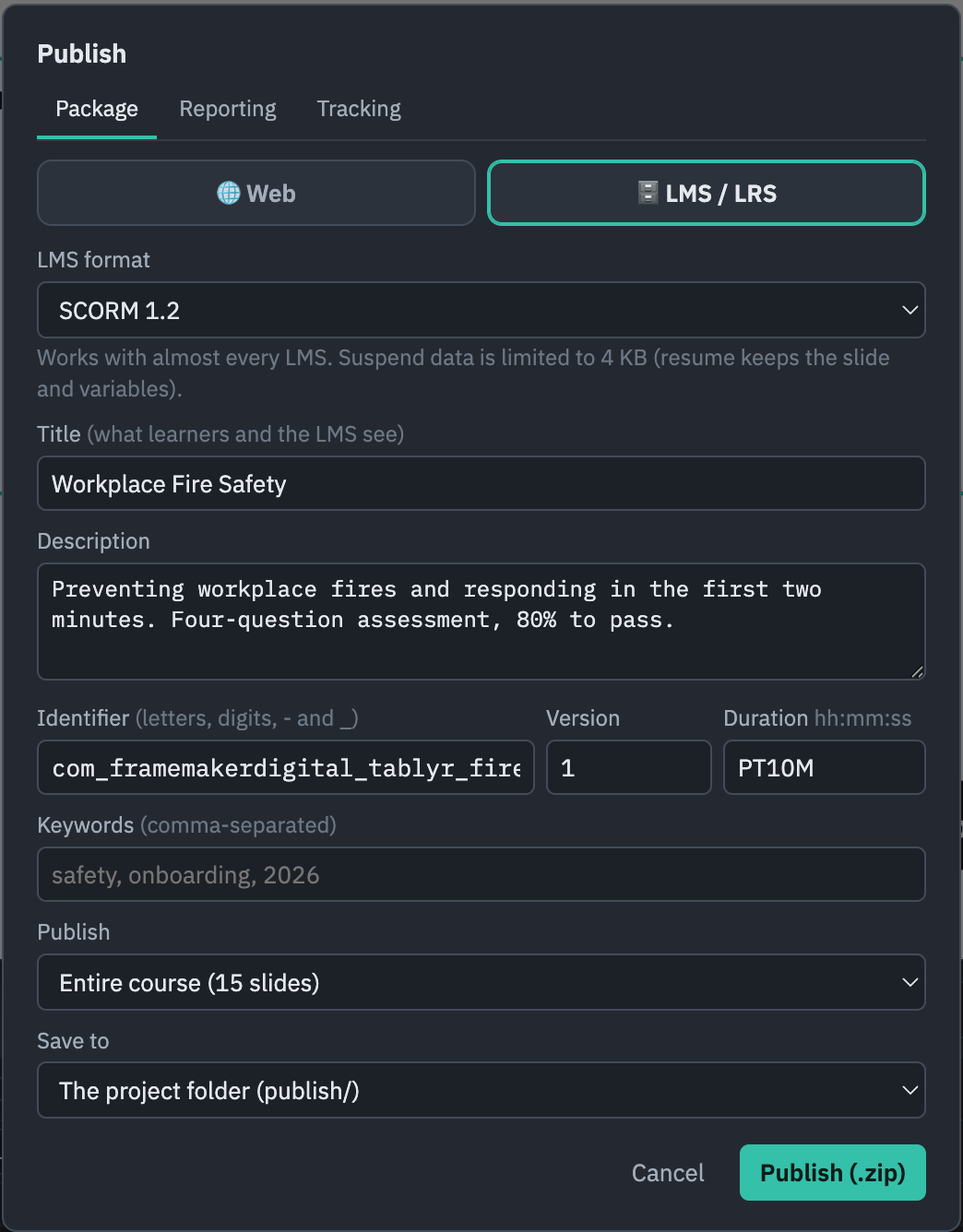
Any LMS that accepts SCORM 1.2, SCORM 2004, AICC, xAPI or cmi5 — which is nearly all of them. You choose the format and tracking settings your LMS asks for. Before you upload to your own LMS, you can test a package free on SCORM Cloud (cloud.scorm.com). Or publish as a plain website.
Do I need to be online?
No. You build, preview and publish offline. TABLYR confirms your licence about once a day and keeps working for 14 days without a connection. AI features need a connection to your provider.
What do the AI features cost?
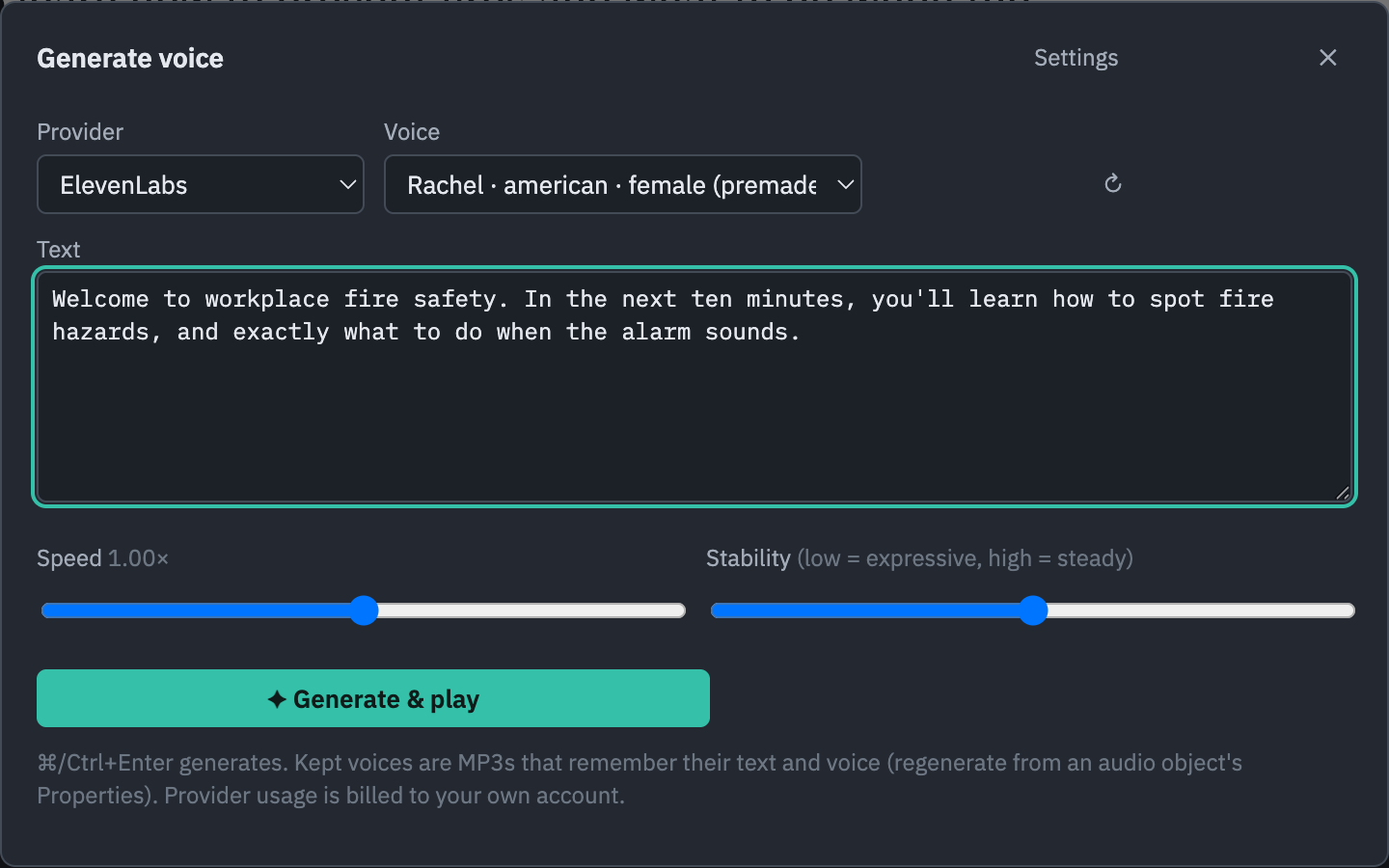
Nothing extra from us. You connect your own Claude or OpenAI key for the assistant, and ElevenLabs, Google or Azure for voices and transcription; the provider bills you directly for what you use. Keys are stored in your computer’s keychain, and everything else in TABLYR works without any key.
Where are my courses stored?
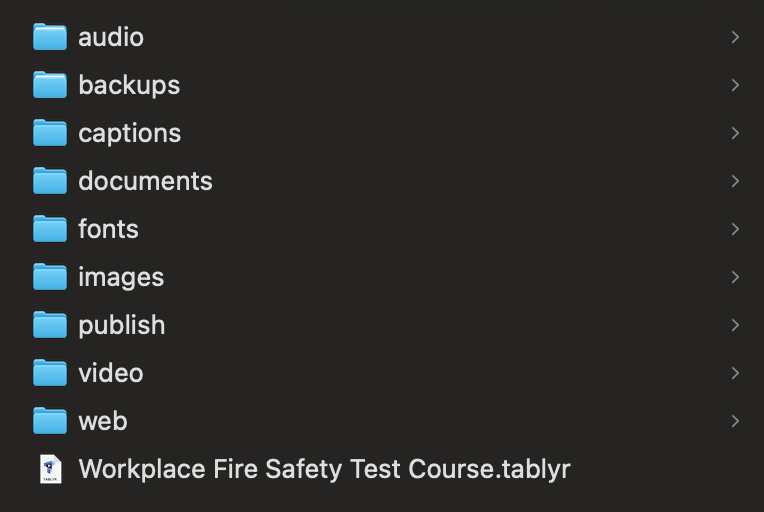
On your computer. A project is a folder with a readable course file and your media beside it, with autosave and backups. Nothing is uploaded to us, and published courses run without TABLYR.
What happens if I cancel?
Your subscription runs to the end of the period you paid for. After that TABLYR asks for a valid key before you can edit, but your project folders and published packages are untouched, and they open again as soon as you renew.
Can I use it on more than one computer?
Yes, two at a time — say, a work desktop and a laptop, even one Mac and one Windows PC. To move to a new computer, deactivate the old one in File ▾ → Licence….
Which computers does it run on?
Macs with Apple silicon (M1 or later) on macOS 11 or later, and 64-bit Windows 10 or 11. Intel Macs are not supported.
How do updates work?
TABLYR checks for updates on start and from Check for Updates…, downloads them in the background and offers to restart. After a new version installs it opens on a blank slide; your keys and licence stay, and your projects are one File ▾ → Open… away.